WPMC Behavior & Heatmap plugin WordPress
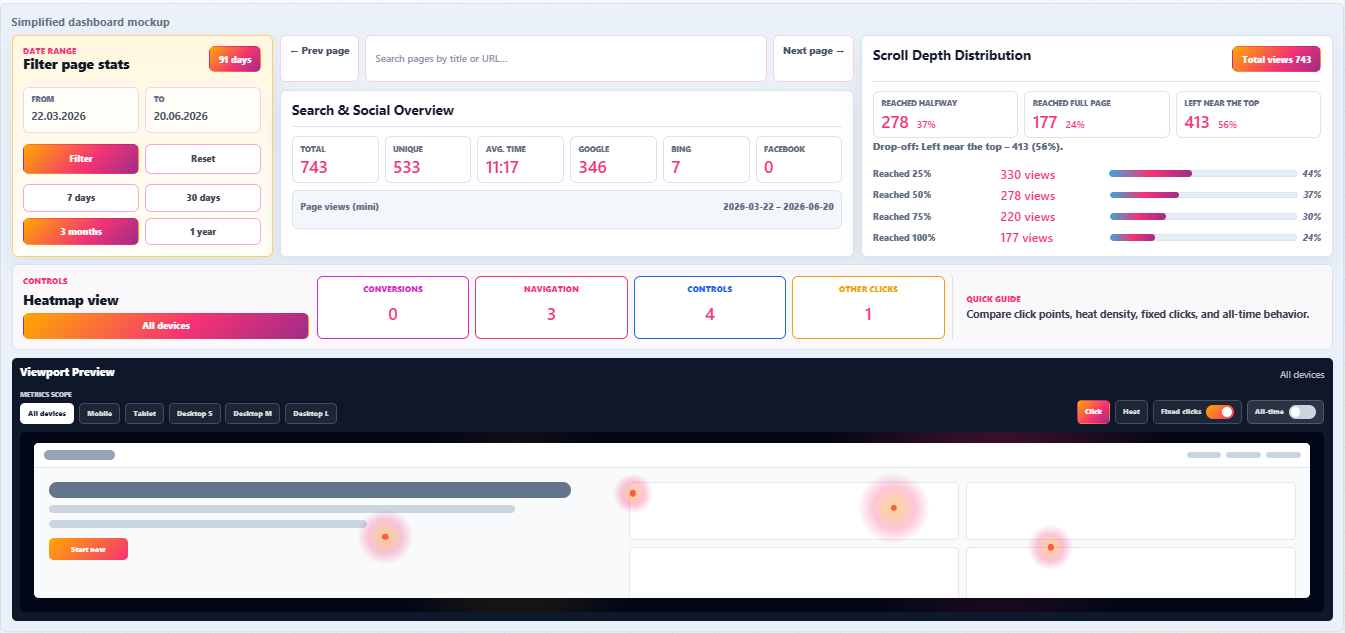
WPMC Behavior & Heatmap is a self-hosted WordPress heatmap plugin that shows exactly where visitors click and how they interact with your website. Visual click heatmaps and scroll depth tracking reveal real engagement hotspots on every tracked page.
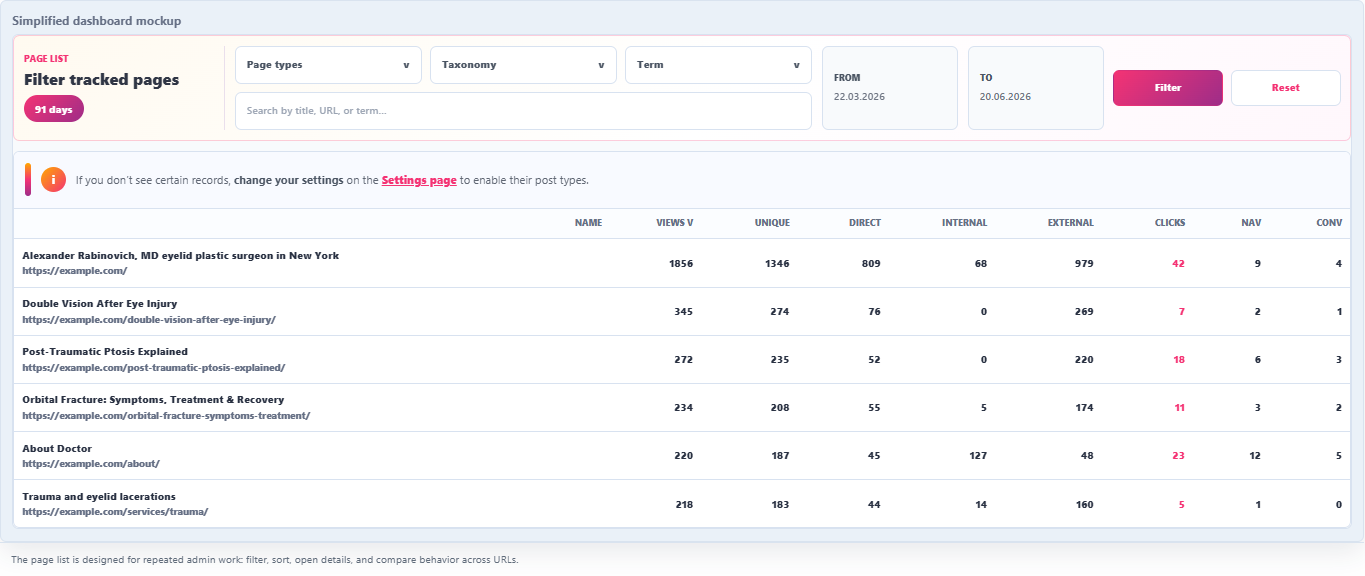
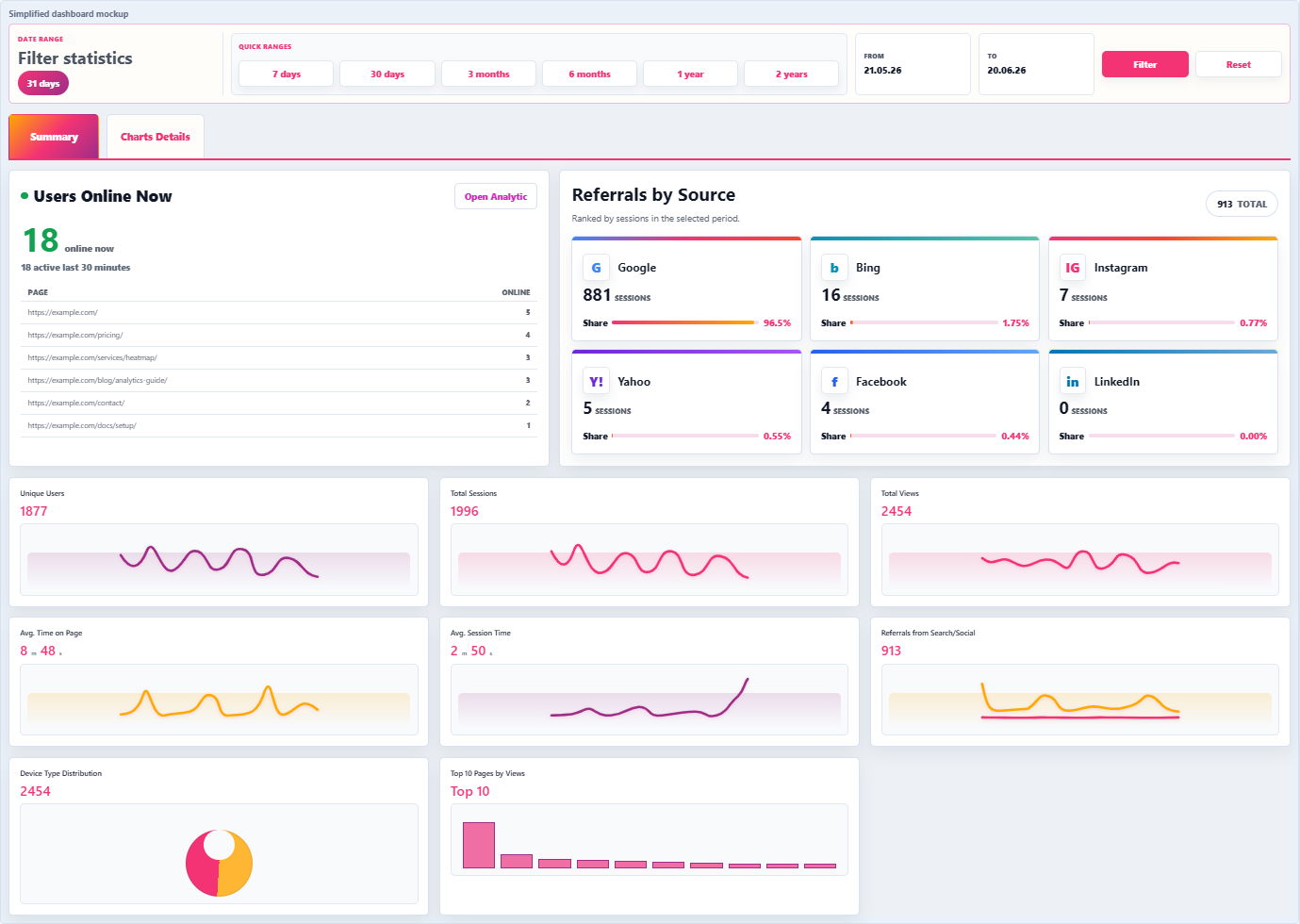
The plugin provides detailed page-level statistics, including total views, unique users, and interaction data. You can open any tracked page to see its performance, and access overall website statistics separately for a broader traffic overview.
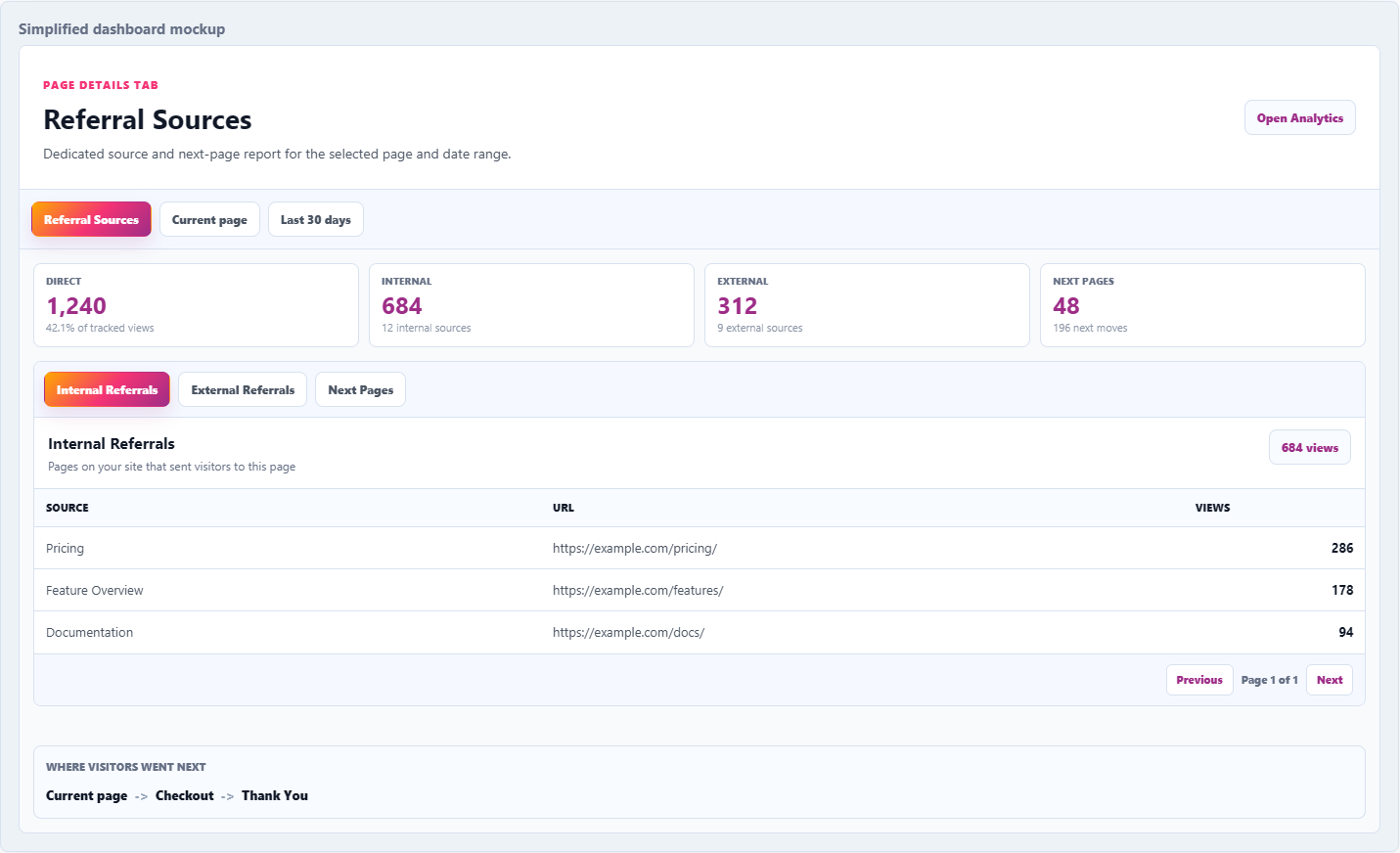
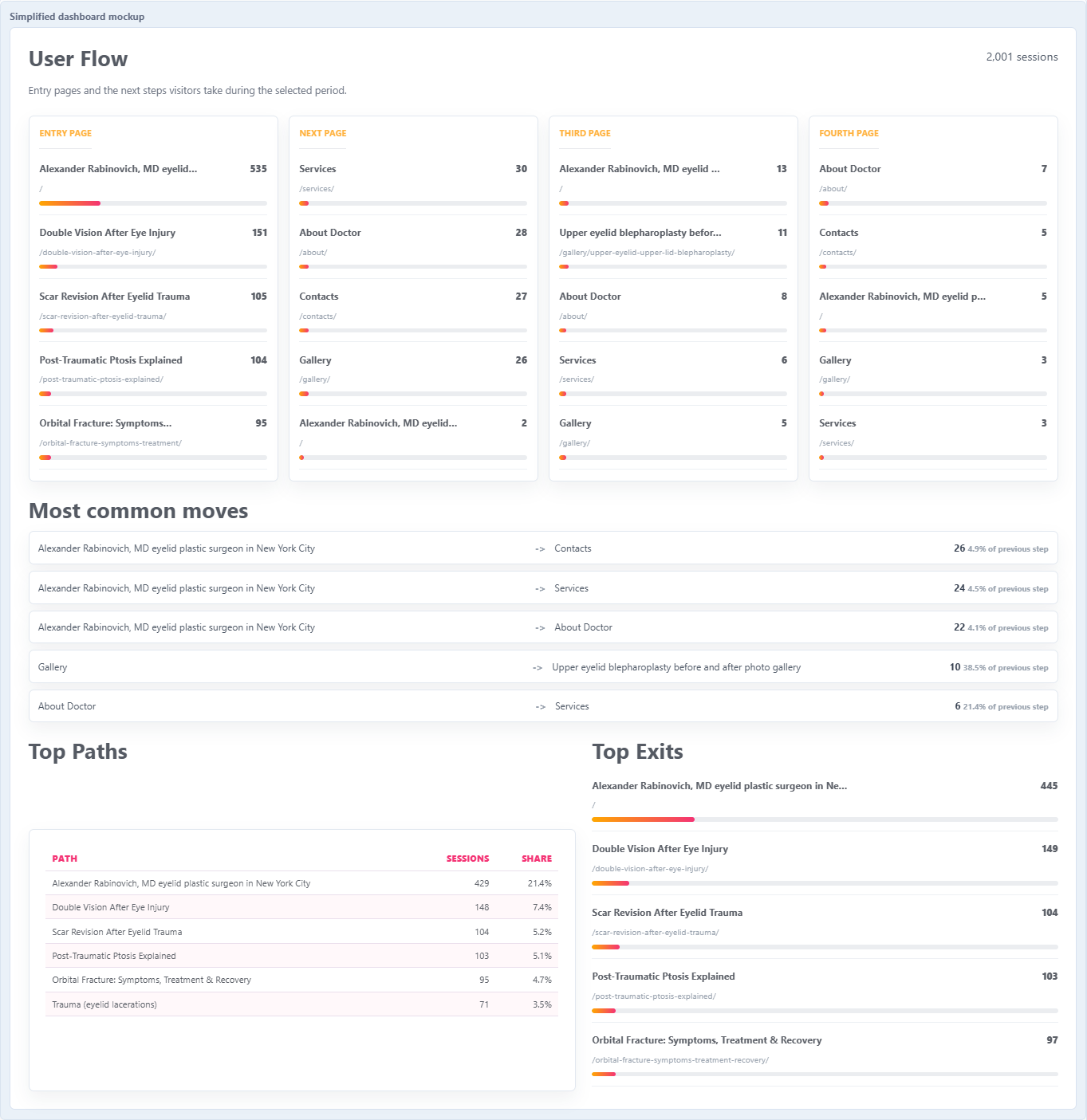
Built-in referral tracking shows where your visitors come from — search engines, direct traffic, internal navigation, or external websites. This helps you understand traffic sources and user behavior more clearly.
With visual heatmaps and structured behavior analytics, you can improve layout, optimize CTA placement, and refine your content strategy. All tracking data is securely stored on your own server — no third-party analytics platforms required.
For whom?
For whom?
WPMC Behavior & Heatmap is built for anyone who wants clear insight into real user behavior in WordPress — without relying on external analytics platforms.
- Website owners who want to see where visitors click and which parts of a page get attention.
- E-commerce stores looking to identify product hotspots and improve conversion paths.
- Marketers optimizing CTA placement and measuring engagement.
- UX/UI designers validating layout decisions with visual heatmaps and click tracking.
- Content creators and bloggers learning which sections keep readers engaged.
- Agencies managing multiple WordPress sites and needing self-hosted behavior analytics for clients.
If you want to understand how users interact with your pages and make data-driven improvements, this plugin is for you.
FAQ
Frequently Asked Questions
1) What does WPMC Behavior & Heatmap track?
The plugin tracks clicks (including navigation clicks), scroll depth, page views, and time on page. It also stores referrer information as Direct / Internal / External sources.
2) Does it create real click heatmaps?
Yes. Click events are stored in your WordPress database and rendered as a visual click heatmap overlay in the admin.
3) What counts as a navigation click?
If a click leads to a link navigation (for example, clicking an <a href>), it is saved as a navigation event. This helps you see which links actually get used.
4) Does it detect CTAs (buttons like Buy, Sign up, Contact)?
Yes. The click tracker includes built-in CTA detection and can mark clicks as CTA clicks (with a CTA type) when the element looks like a call-to-action.
5) Does it track scroll depth?
Yes. Scroll depth is recorded using thresholds (25%, 50%, 75%, 100%) and stored per page view.
6) Does it track time on page?
Yes. It records page duration (in seconds) when the visitor leaves the page (best-effort, using beacon when possible).
7) Does it track views immediately when the page loads?
No. A view is saved only after a short active visible time gate (about 0.9s) to reduce junk views from instant bounces and background tabs.
8) Is the data self-hosted?
Yes. Tracking data is saved into your own WordPress database tables. There is no third-party analytics storage required for tracking.
9) Which database tables does the plugin use?
The plugin creates and uses tables such as wpmc_bh_clicks (clicks/heatmap engine), wpmc_views (views, scroll depth, duration, referrers), and wpmc_sessions (session records). A wpmc_mouse_trails table also exists for future mouse trail features.
10) Can I limit tracking to specific post types?
Yes. You can select Tracked Post Types in settings. If a post type is not enabled, clicks and views for that URL are ignored.
11) Can I disable click tracking completely?
Yes. There is a setting to enable/disable the Clicks Tracker (BH). When it is off, the front-end click tracker will not run.
12) Can I exclude certain IP addresses from tracking?
Yes. The settings include an Excluded IPs field so you can prevent tracking from specific IPs (useful for internal teams).
13) Are admins tracked?
No. Admin users (manage_options) are excluded from tracking to keep your data clean.
14) Does it track inside iframes?
No. The view/scroll tracking script exits early when the page is loaded inside an iframe.
15) What referral data does the plugin store?
Referrers are stored with each view as Direct, Internal, or External, plus the referrer URL when available. A dedicated Referrals page exists, but the full advanced referrals module is marked as under active development.
16) Is Users Mouse Move available?
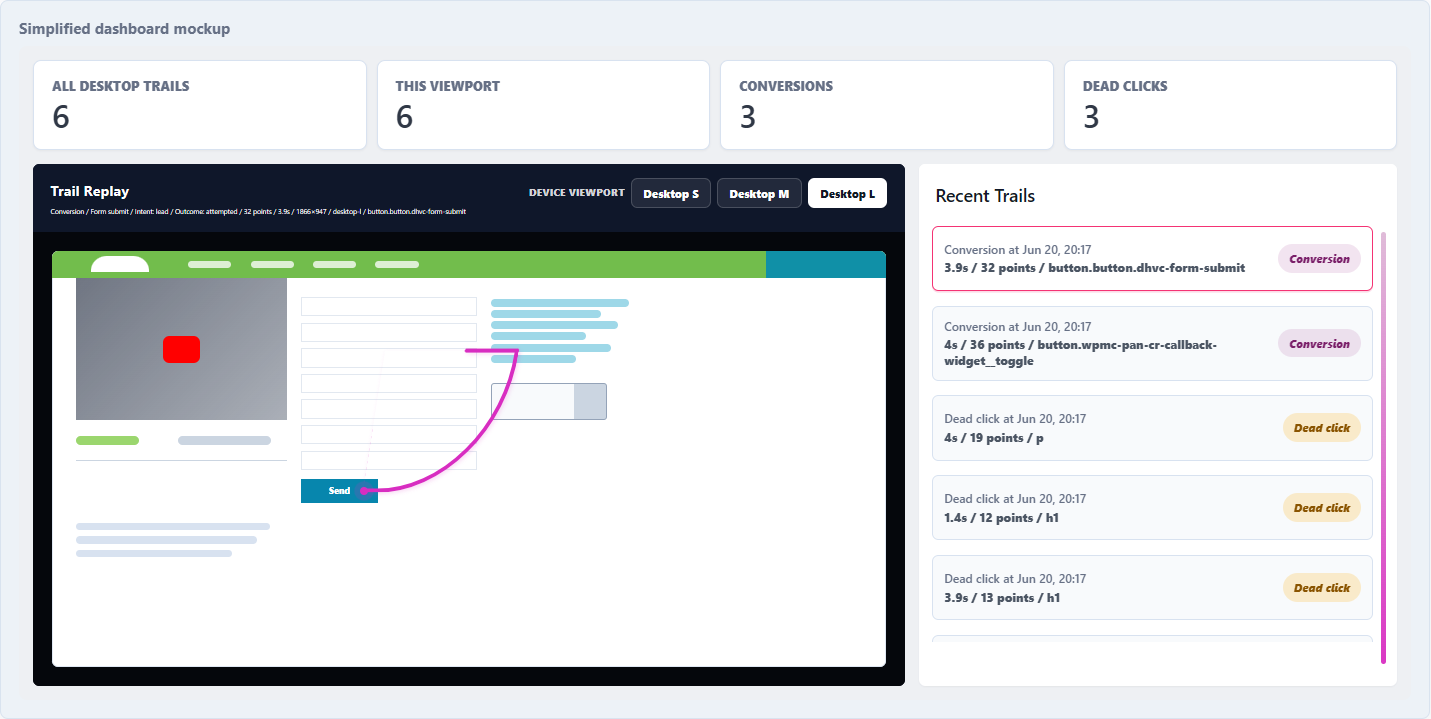
Not as a finished feature. The admin includes a Users Mouse Move tab, but it is explicitly labeled as under active development with a preview/demo UI.
17) Can I tune performance (batching, delay, compression)?
Yes. The click tracker has settings for batch size, max delay, gzip compression, and bucket size (heatmap grid precision).
18) Can I filter heatmap data by date range?
Yes. The heatmap engine supports date range filtering (from/to) when querying and rendering aggregated heatmap data in the admin.