
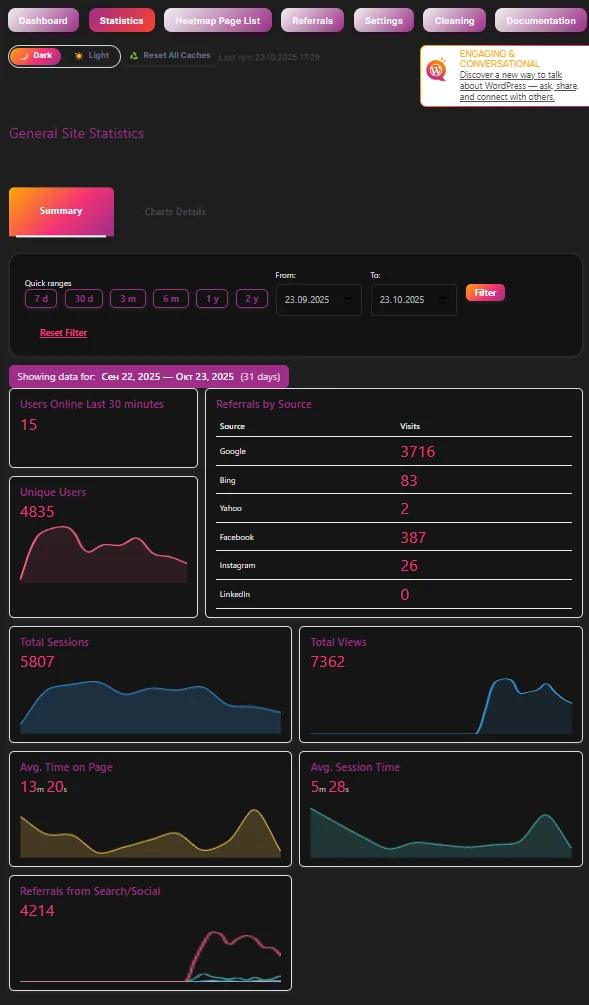
♻️ Reset All Caches – clean start in one click
Keeping your data fresh is essential when you analyze user behavior. That’s why WPMC Behavior & Heatmap includes a powerful Reset All Caches button.
With just one click, you can instantly clear all major WordPress cache layers — no need to open different plugin settings or server panels.
Here’s what happens behind the scenes:
✅ WordPress object cache – flushed via wp_cache_flush()
✅ Transients (site & blog) – cleared completely
✅ PHP OPcache – reset if available
✅ Redis Object Cache – flushed safely
And if you use a caching plugin, WPMC will automatically detect it and clear it too — including WP Rocket, W3 Total Cache, LiteSpeed Cache, Autoptimize, WP Super Cache, and many others.
If a plugin is inactive, you’ll see it marked as Not active — so you always know what’s happening.
No more guessing, no more leftover cached data — just a clean, accurate view of your site’s user activity.

Tracking Settings — configure how data is collected
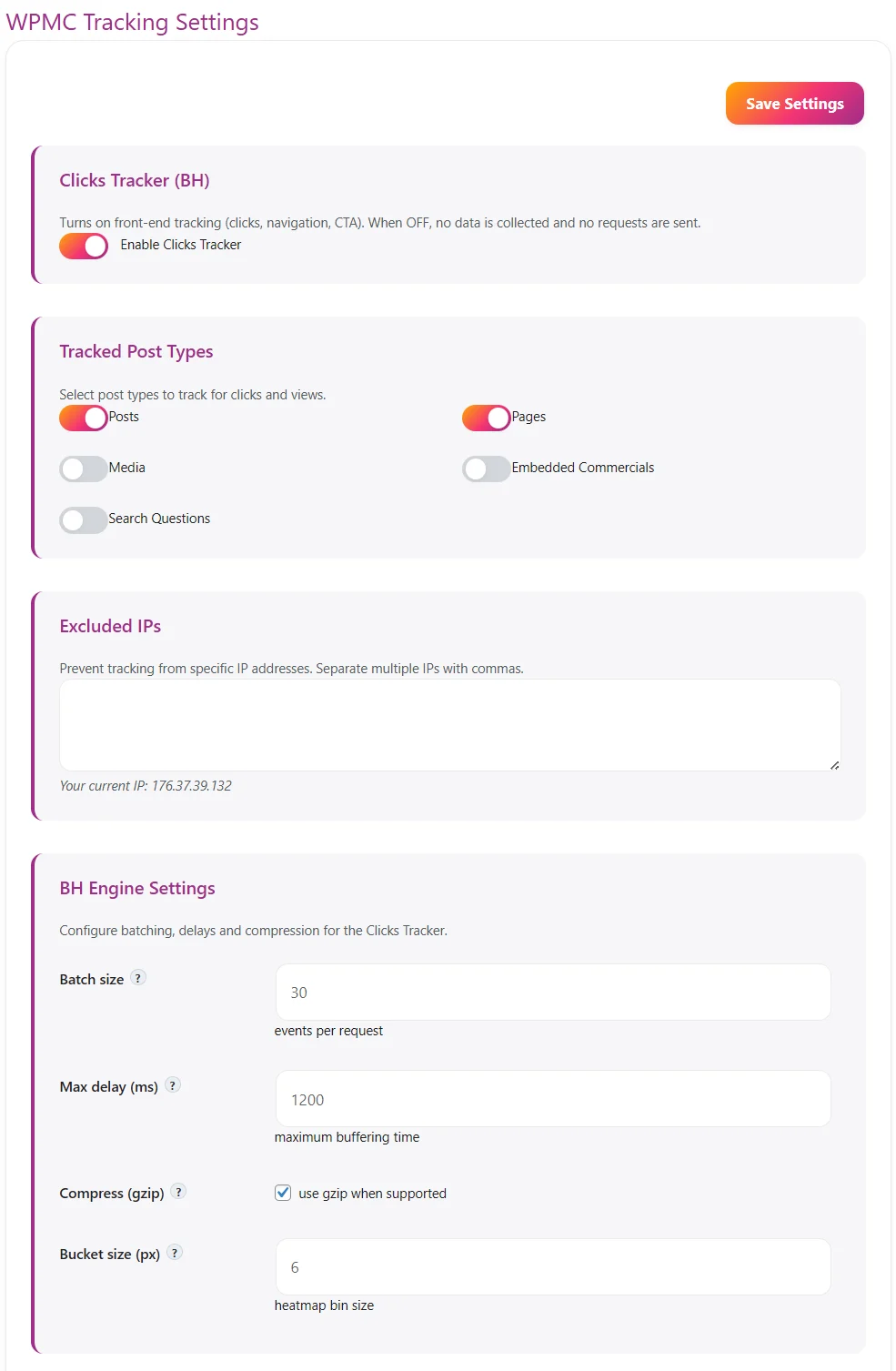
The WPMC Tracking Settings page lets you control what is tracked, exclude internal traffic, and fine-tune the engine that sends events. Everything happens inside WordPress, with privacy and performance in mind. 🟠 Clicks Tracker (BH) Enable Clicks Tracker — the main switch. When ON, front-end ev…
Pages Tracker — see which pages truly matter
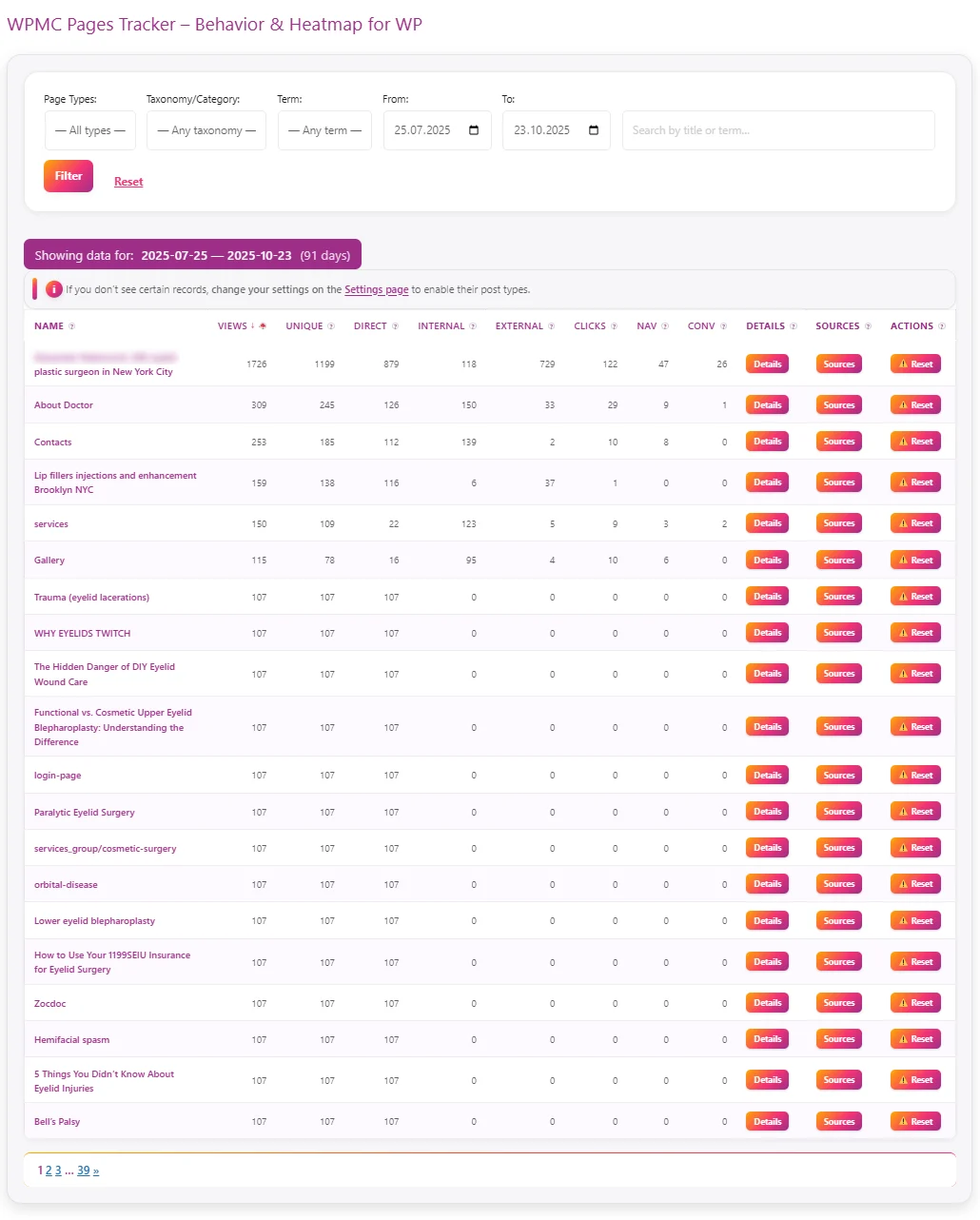
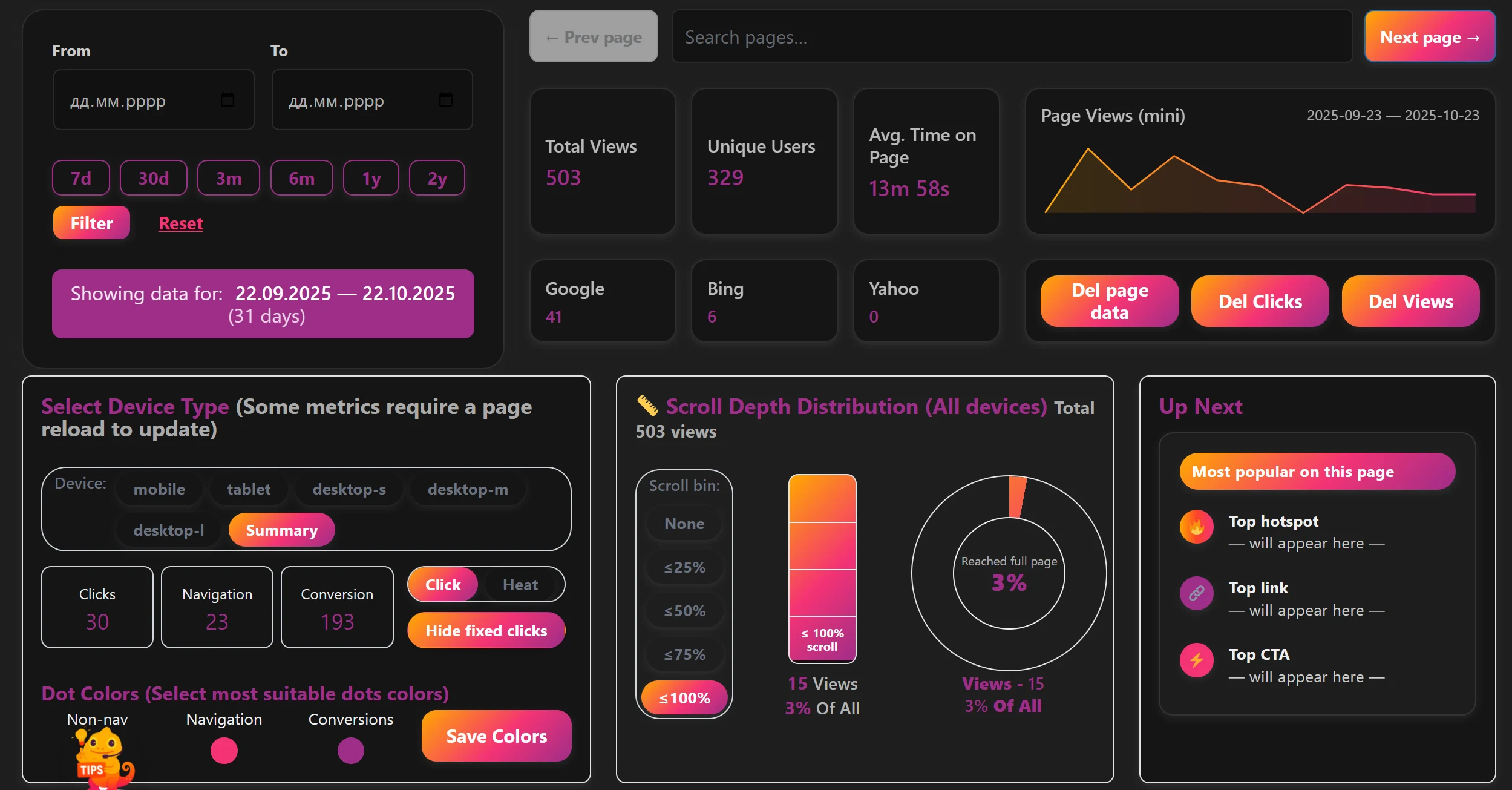
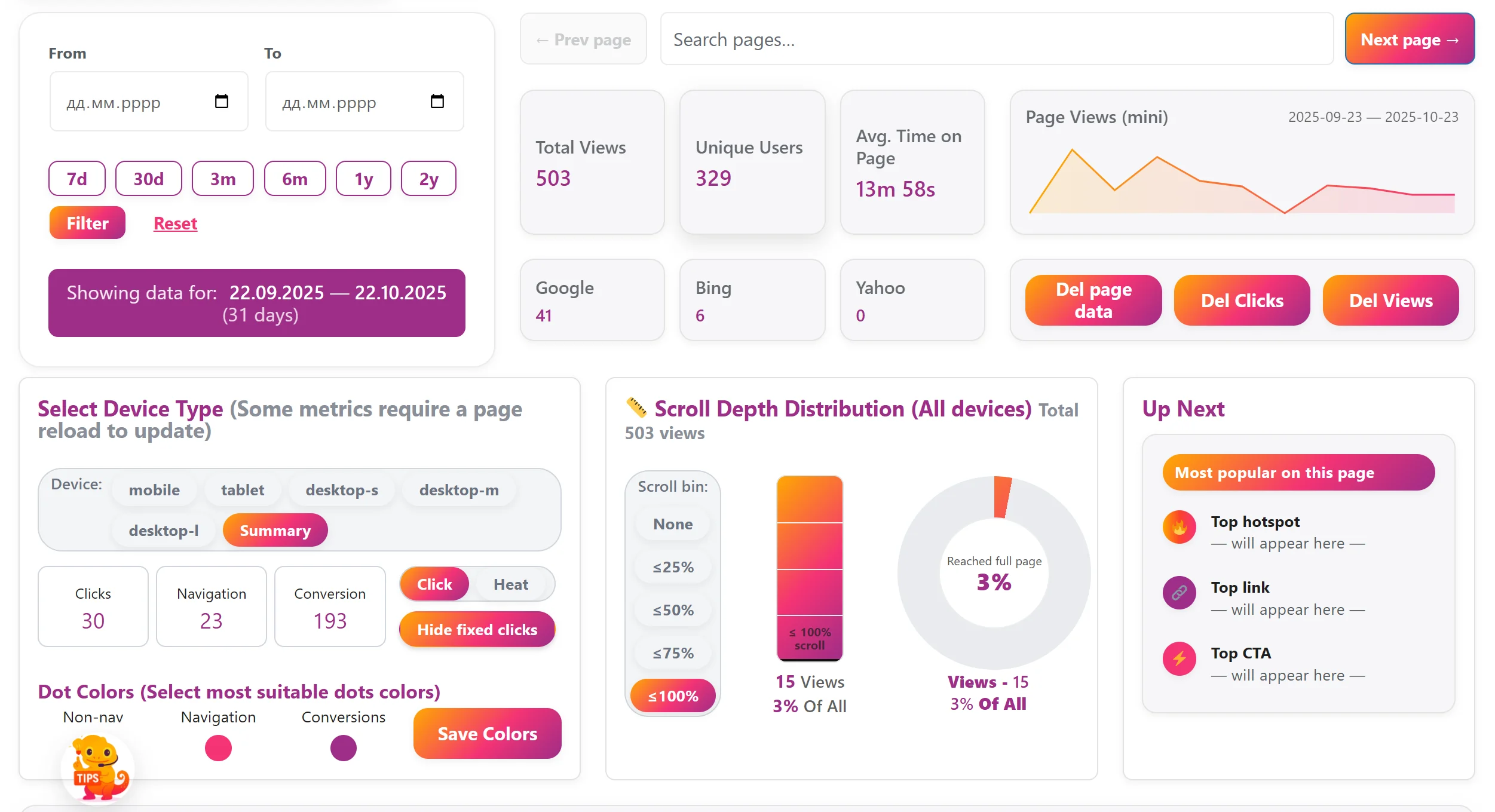
The Pages Tracker section in WPMC Behavior & Heatmap helps you instantly see which pages attract visitors, how they find them, and how users behave once they’re there. Everything is collected automatically and displayed in clear, sortable tables — directly inside your WordPress dashboard. 🔍 W…
Leave a Comment
Comments