
Statistics — detailed insights made for WordPress
The Statistics section is the heart of WPMC Behavior & Heatmap. Explore how visitors use your site directly inside WordPress — no external tracking, no third-party scripts.
📅 Smart Filters and Date Ranges
- Quick ranges: 7d, 30d, 3m, 6m, 1y, 2y for instant switching.
- Custom range: pick any start and end dates to analyze a specific period.
- Reset Filter: one click to return to the global view.
Use filters to compare time frames, validate design changes, and track growth trends with confidence.
📈 What You’ll See in the Summary
| Metric | What it means |
|---|---|
| Users Online (last 30 minutes) | Live pulse of active visitors right now. |
| Unique Users | Individual visitors in the selected range — your true reach. |
| Total Sessions | All visits, including returns — great for engagement checks. |
| Total Views | All page loads — useful for content visibility. |
| Referrals by Source | Breakdown from Google, Bing, Yahoo, Facebook, Instagram, LinkedIn, and more. |
| Referrals from Search/Social | Trend chart showing how search engines and social platforms drive traffic over time. |
| Avg. Time on Page | Average time spent on each page — a strong interest signal. |
| Avg. Session Time | How long a typical visit lasts — helps spot bounce vs. deep browsing. |
🕵️♀️ Why it’s better than Google Analytics for WordPress
- Full data ownership: everything stays in your WordPress database.
- Fast & private: no external scripts, no tracking cookies, no sampling.
- Made for WP: accurate data for pages, custom post types, and plugin content GA often misses.
- Real referral clarity: clean breakdown from multiple search engines and social sources.
- Timezone-accurate, unsampled: precise timestamps and the full picture of activity.
- Built-in context: analyze alongside heatmaps, clicks, and on-site feedback in one place.
- GDPR-friendly: no cross-site profiling — just essential behavioral insights.
The Statistics panel gives you clear, privacy-first analytics designed for WordPress. Open WPMC → Statistics and see what truly happens on your site — instantly.

Pages Tracker — see which pages truly matter
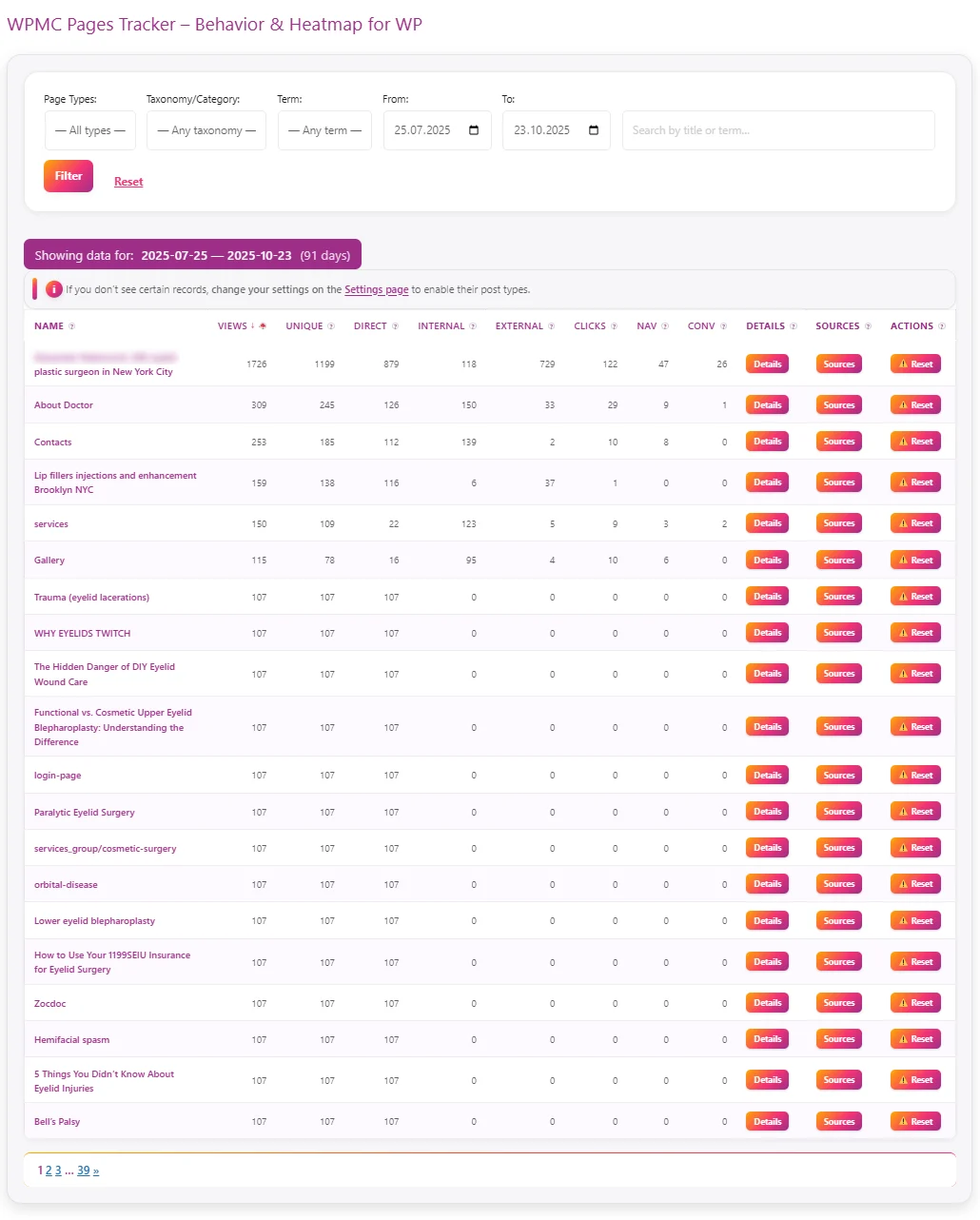
The Pages Tracker section in WPMC Behavior & Heatmap helps you instantly see which pages attract visitors, how they find them, and how users behave once they’re there. Everything is collected automatically and displayed in clear, sortable tables — directly inside your WordPress dashboard. 🔍 W…
Dark & Light Theme – comfort for your eyes and workflow

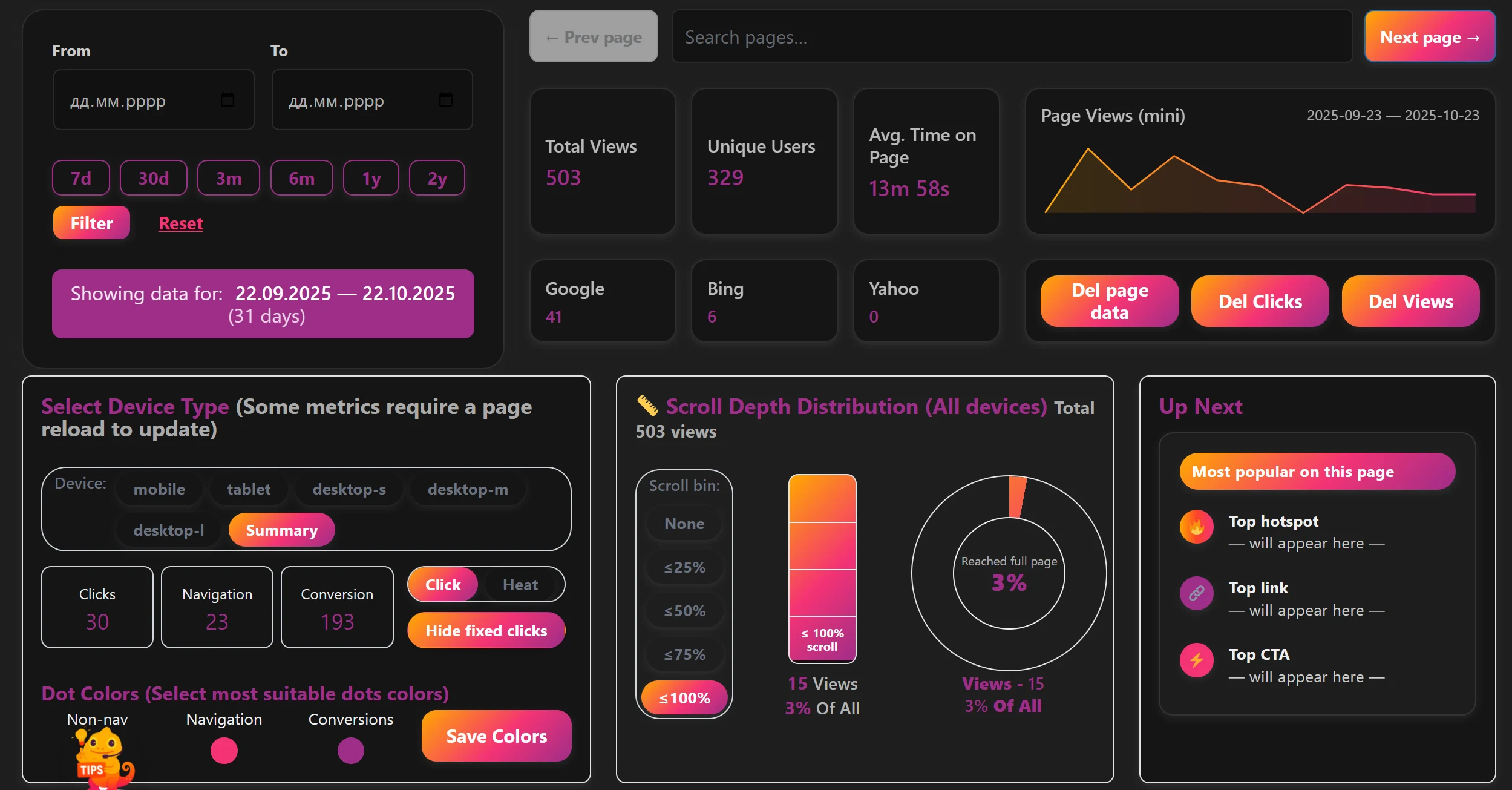
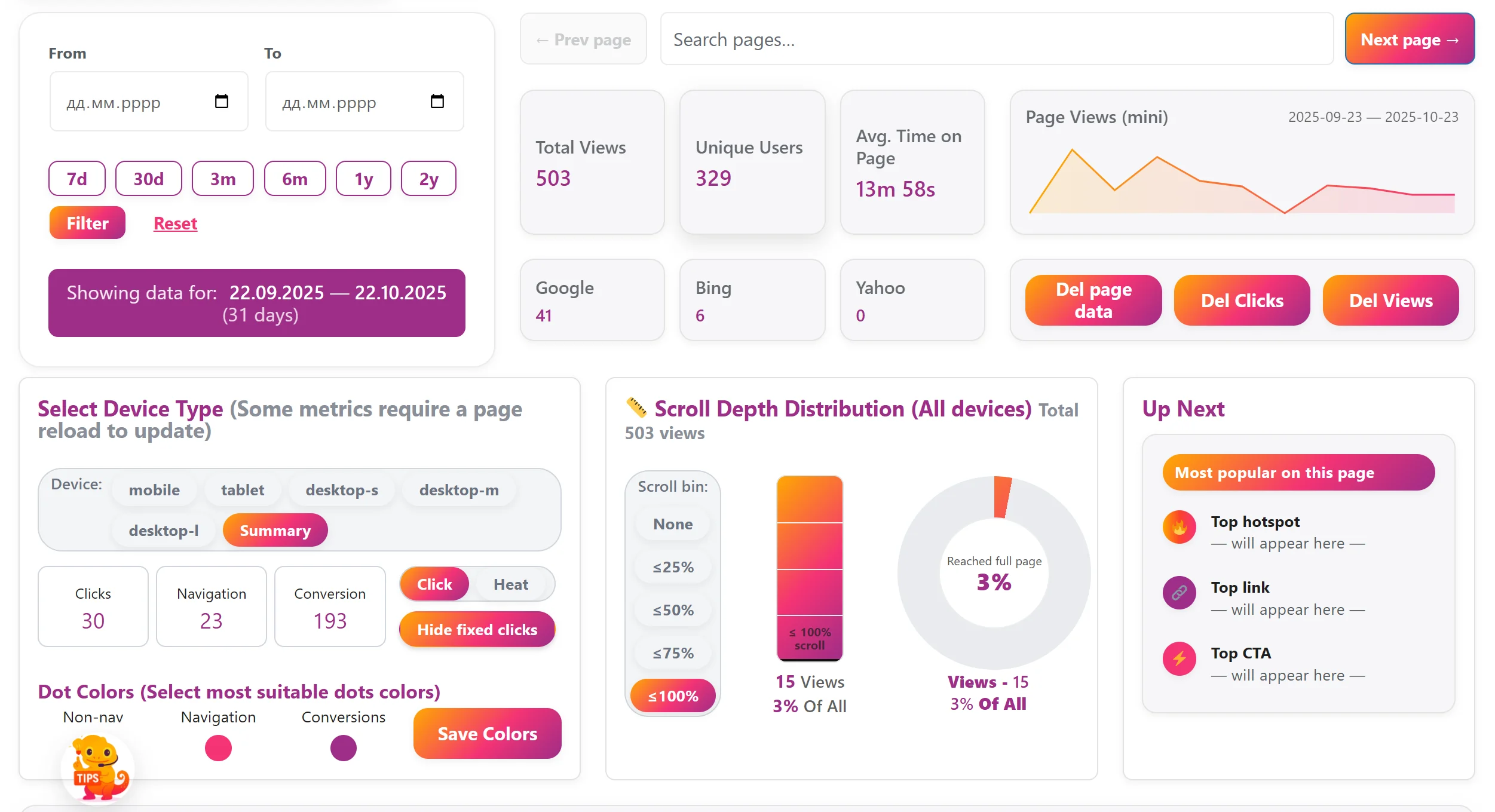
We know how important it is to feel comfortable while you work. That’s why WPMC Behavior & Heatmap supports both Dark and Light themes. Whether you’re analyzing user clicks late at night or checking your site’s behavior during the day — you can choose the look that fits your environment. T…
Leave a Comment
Comments